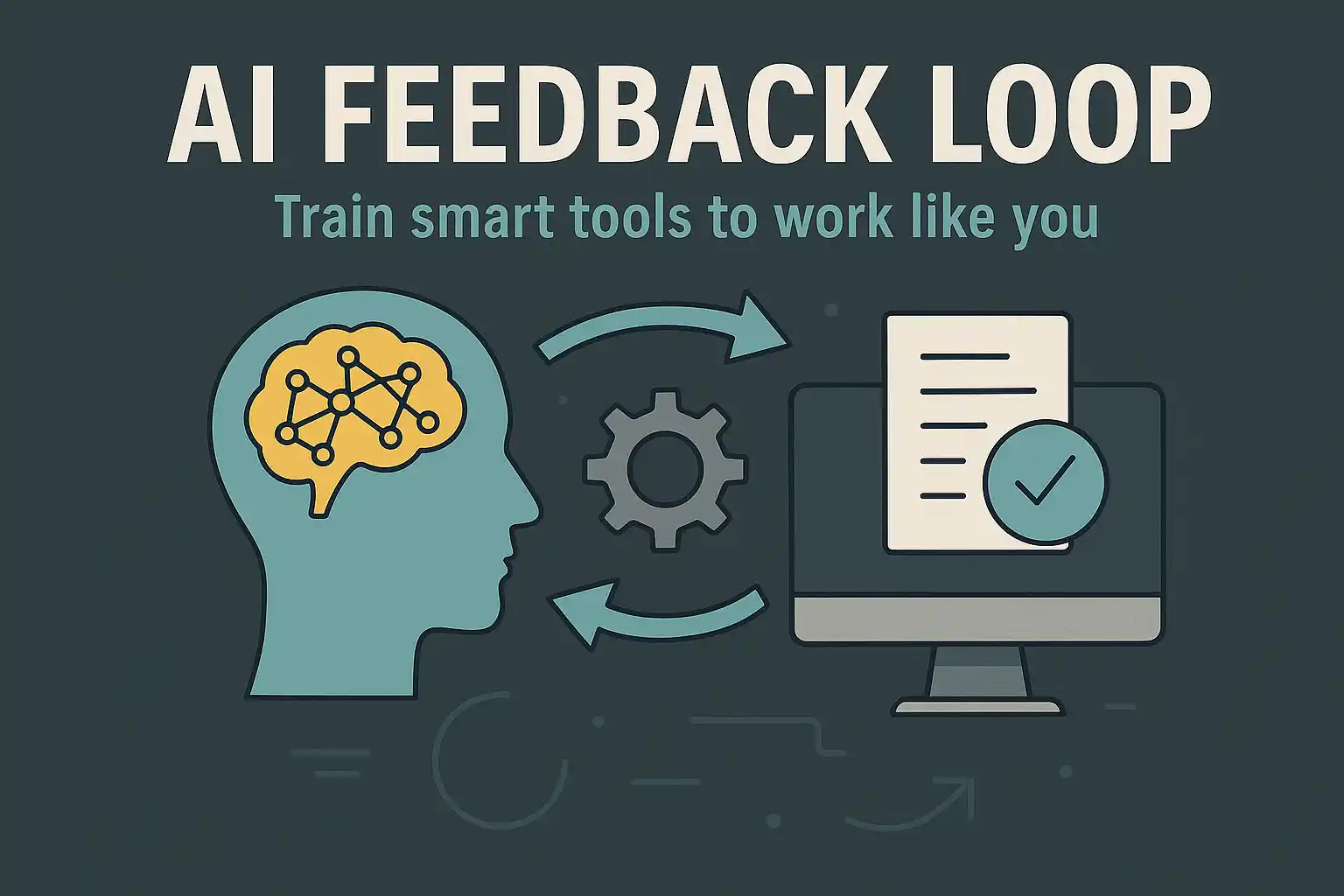
4. How to Train AI Tools to Sound Like You (Not a Robot)
I’ll be honest with you—when I first started using AI to help with my writing, I hated how it sounded. Too stiff. Too “corporate.” Too… not me.
And I’ve heard the same thing from others.
“It’s helpful, but it doesn’t sound like me.”
“It spits out decent content, but it’s bland.”
“I don’t want my audience to think I outsourced my voice to a machine.”
Here’s the good news: You can train your AI tools to sound like you. Not almost like you. Not a generic tone that “kind of works.” I mean exactly like you—your humor, your word choices, your rhythms, even your quirks.
Let me walk you through the step-by-step method I use—and that many online entrepreneurs are now quietly using—to personalize their AI tools so well that even close friends can’t tell the difference.
Step 1: Feed the Machine with Your Best Work
This is your training data. AI can’t learn your voice unless you give it something to study.
What to do:
- Pull together 3–5 solid samples of your writing. These can be:
- Blog posts
- Email newsletters
- Social media captions
- Landing pages
- Voice memos (transcribed)
- Make sure they reflect your ideal tone. Don’t just grab any text—use writing that already sounds like your best self.
Pro Tip: Use Notion or Google Docs to store these samples. Label them clearly: “Conversational Email,” “Story-Based Post,” “Promo Email That Converts,” etc.
Step 2: Tell the AI What to Imitate
You don’t need complex coding. You just need clear instructions.
Here’s the exact prompt I used when training my writing assistant:
“Analyze the writing style in the samples below. Then, when I ask for new content, use the same tone of voice: friendly, personal, reflective, occasionally humorous, with short punchy sentences and real-life stories. Prioritize clarity and authenticity over fluff. Avoid sounding like corporate copy.”
You can tweak that based on your style:
• Want to sound sassy and bold? Say so.
• Prefer poetic and visual? Include that.
• More like a trusted guide or teacher? Spell it out.
Step 3: Create a “Voice Snapshot” Prompt
This is your repeatable prompt framework—the one you’ll use every time you create content with your AI.
Template:
“Write a [type of content] in my voice. My voice sounds like this: [insert voice characteristics]. Include references to [personal stories, brand values, audience pain points]. Keep it under [X words] and end with [desired CTA or tone].”
Example for a sales email:
“Write a promotional email for my productivity course. My voice is conversational, honest, and a bit playful—like I’m talking to a friend over coffee. Start with a relatable story. Keep it under 300 words. End with a soft call-to-action to check out the course.”
Over time, you can refine and reuse this prompt to generate blog posts, landing pages, email funnels, and even YouTube scripts that sound just like you.
Step 4: Give It Feedback—Like You Would a Junior Writer
Don’t expect it to be perfect on the first try. But don’t give up either.
Here’s how you train it, loop by loop:
- Highlight what worked.
“I love how the opening story flowed naturally—keep that style.” - Point out what missed.
“This section sounds too formal. Can you reword it like I’m speaking to a friend who’s overwhelmed?” - Save the improvements.
Copy/paste the refined version into a “trained responses” folder so you can keep track of what’s working.
The more you correct and clarify, the more consistent the output becomes. It’s just like mentoring an assistant. You’re not fixing a broken tool—you’re teaching it to understand you.
Step 5: Use the Trained Output Everywhere
Once you’ve got content that sounds like you, don’t stop at one platform.
Repurpose it:
- Blog post → LinkedIn carousel
- Email → YouTube script
- Sales page copy → Podcast intro
The voice stays consistent. The reach multiplies. And you never again feel like you’re handing your brand over to a robot.
Quick Recap: AI That Sounds Like You—In 5 Steps
- Feed your best content as examples
- Prompt with crystal-clear voice instructions
- Build a reusable “voice snapshot” prompt
- Refine with real feedback in loops
- Repurpose consistently across channels
This is how the quiet creators are scaling their businesses without hiring teams or burning out. They’ve trained their AI to think and speak with their voice, so they can show up where it matters most—with consistency, clarity, and trust.
Want Help?
If you’re serious about building an AI-powered business that earns while you rest, I’ve got an invite for you.
👉 Join The Ambassador Program
It’s where my friend John Thornhill show you how to plug into a proven system, activate high-ticket commissions, and use AI to multiply your time—not steal it.
Let’s build something quiet, powerful, and deeply you.
Your Turn:
What’s your biggest frustration with AI right now?
Drop it in the comments—I’d love to hear and offer insight.