Getting Started with Personalized AI (Step-by-Step for Beginners)
If this sounds exciting but overwhelming, don’t worry — I’ve got you. Here’s how to get started with personalized AI, step-by-step:
Step 1: Choose One AI Tool to Start With
If you’re just beginning, I recommend:
- ChatGPT Pro (for content writing, brand voice, customer service help)
- Notion AI (for internal documentation, project summaries, and content prep)
- Jasper AI (for marketers who want to write copy with brand voice)
Start with one. Learn it well.
Step 2: Define Your Voice
Before AI can act like you, it needs to know who you are. Try this:
- Paste 3–5 blog posts or social media captions you’ve written.
- Highlight:
- Words you use often (e.g., “Let me show you…” or “Here’s the real win…”)
- Tone (conversational? motivational? bold?)
- Structure (do you use bullet points? subheadings? analogies?)
Step 3: Create a “Voice Profile” Prompt
Here’s a sample you can adapt for ChatGPT:
“You are my content assistant. I write in a reflective, first-person voice, often using analogies, step-by-step breakdowns, and a tone that feels like a trusted guide. I’m direct, empathetic, and I speak from experience. Please respond to all future prompts in this style unless told otherwise.”
This is your first mini training. You can refine it later — we’ll go deeper in later sections.
Step 4: Give It Something Small to Write
Don’t start with a 2,000-word article. Start simple:
- A short email reply.
- A paragraph of a blog.
- A YouTube script intro.
Then check: Does it sound like you? What’s missing?
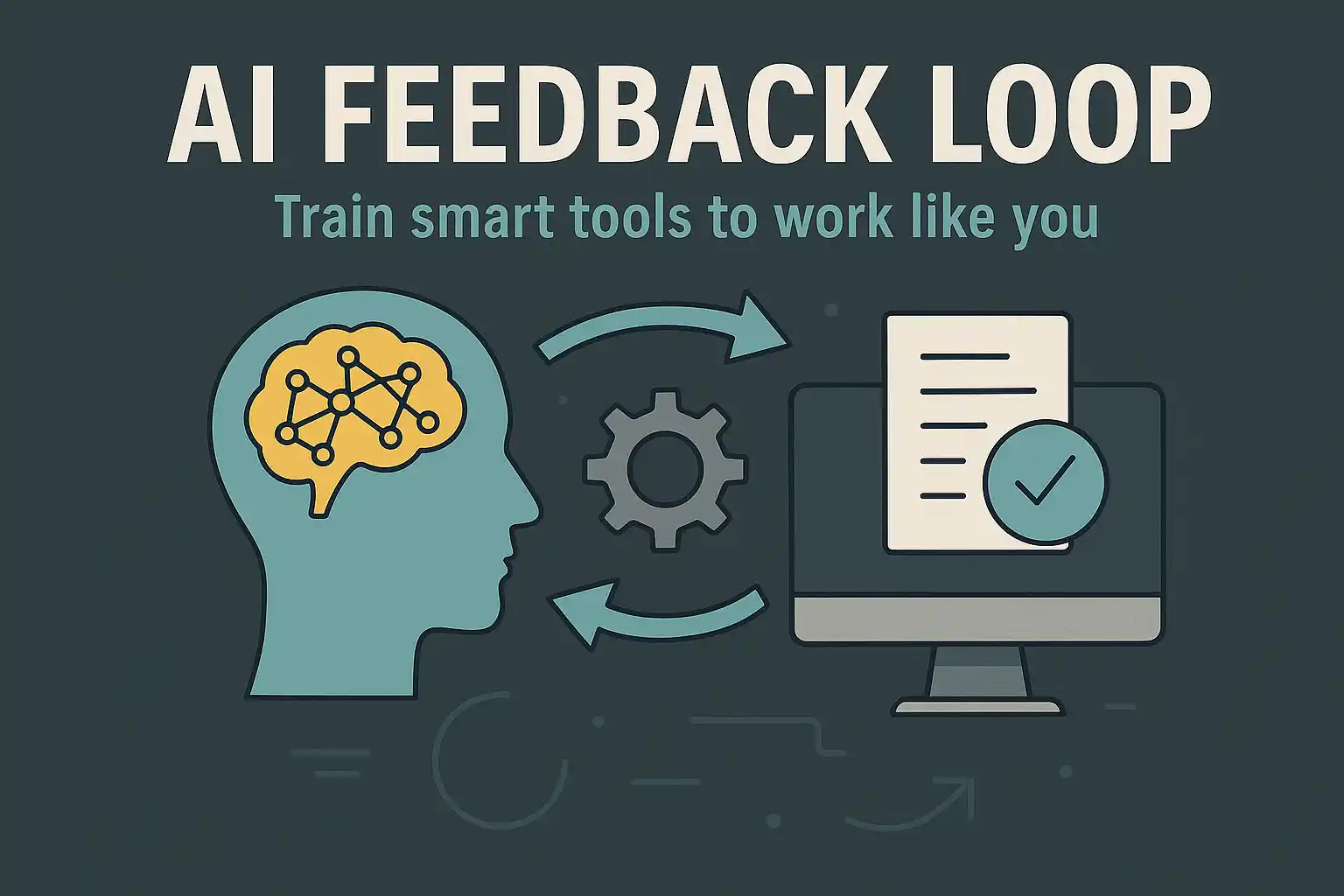
That brings us to the next part — the AI feedback loop. But we’ll get to that shortly.
Final Thought for This Section
You don’t need to be a tech genius to personalize AI.
You just need:
- A clear understanding of your voice,
- A tool that can learn,
- And the patience to train it — just like you would a new team member.
That’s the power of this new era. And that’s what I want to help you unlock.